Pengaturan
Halaman Settings mengatur konfigurasi sistem. Diakses dari sidebar paling bawah. Terdiri dari beberapa tab.
Tab: LLM
Konfigurasi AI model untuk summary, report, dan job post generation:
- Base URL — endpoint OpenAI-compatible (misal: OpenRouter, Groq)
- API Key — kunci autentikasi
- Model — model ID yang digunakan
- System Prompt — instruksi dasar untuk AI saat summarize interview
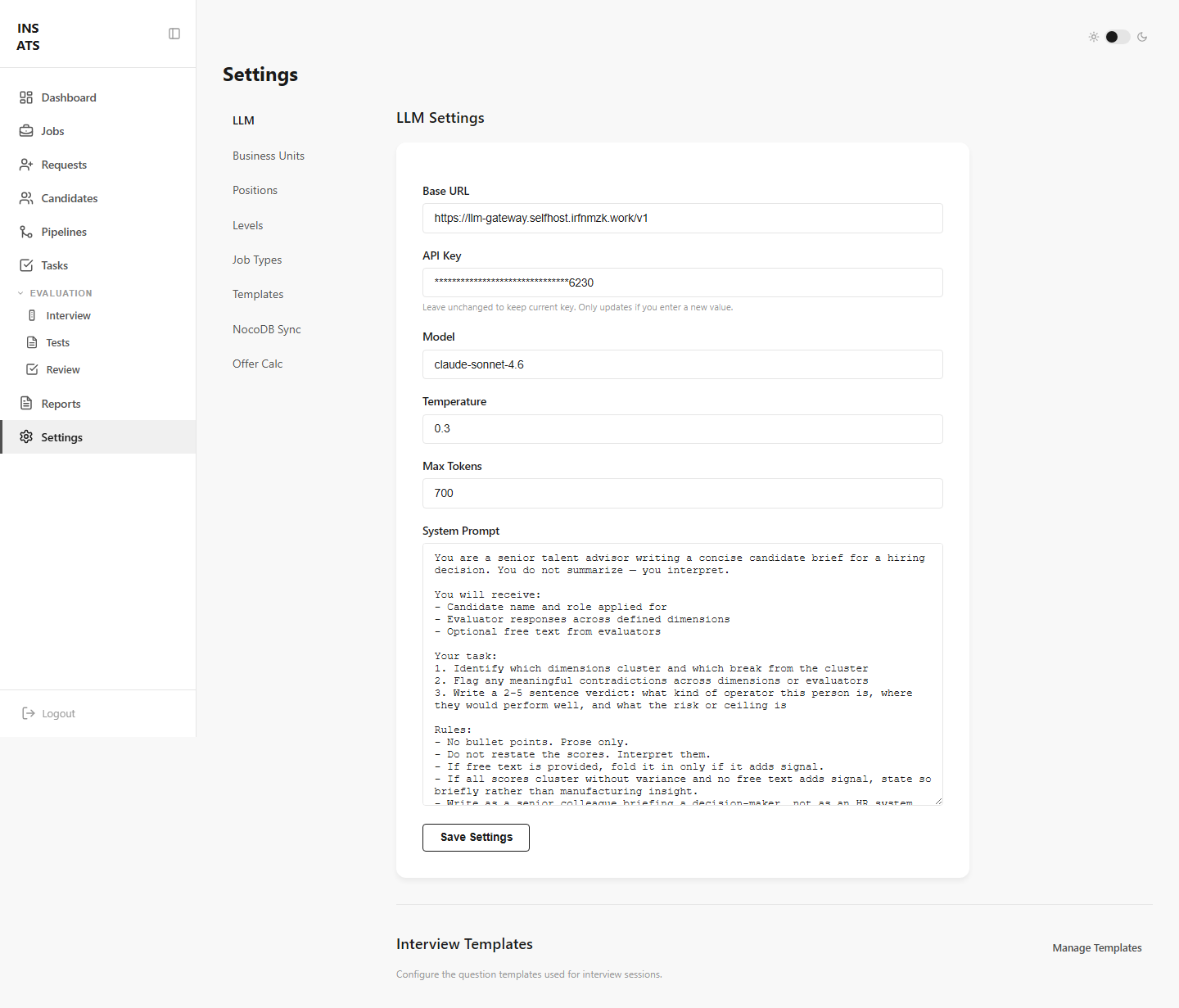
Pengaturan LLM disimpan di database, bukan file. Bisa diubah kapan saja tanpa restart server.
Tab: Business Units
Kelola divisi/tim:
- Tambah, edit, atau nonaktifkan BU
- Set kepala divisi dan default recruiter
- Generate/revoke portal token
Tab: Positions, Levels, Job Types
Daftar managed — opsi yang muncul di dropdown saat membuat Job:
- Positions — Backend Developer, Product Designer, dll
- Levels — L1 Junior, L2 Mid, L3 Senior, dll
- Job Types — Full-time, Contract, Internship, dll
Tambah atau atur urutan dari tab masing-masing.
Tab: Templates
Template wawancara mendefinisikan dimensi penilaian dan pertanyaan per sesi:
- HR Interview — dimensi soft skill (ownership, maturity, collaborative)
- Culture Alignment — dimensi culture fit (execution, learn fast, impact, clarity)
- Custom — template custom dengan dimensi bebas
Setiap template punya section (dimensi) dengan contoh pertanyaan, good answer, dan red flags.
Tab: Offer Config
Konfigurasi faktor perhitungan offering (gaji pokok, BPJS, dll). Setiap faktor bisa diset sebagai nilai tetap (Rp) atau persentase (%).